Upload to posting. One flow.
AI drafts. You decide.
- Client uploadsBatched by tax period
- Batch extractionAmount, tax, counterparty
- Suggested entriesUsing the client's own accounts
- Human reviewAccept, adjust or send back
- PostingOnly by a person
- Reports & filingsFrom the same desk
Every client, one list.
Status, fees, invoices and filings on one row. One click into any client's books.
- Onboard a client in minutes
- Owner-only fee changes
- Offboard staff in one step

Real screens, demo data. UI currently in Traditional Chinese.
Clients upload. Entries are ready.
Clients use their own portal. AI reads every document; nothing is drafted until you accept.
Book a demo ›
One client, start to finish, one screen.
Documents, journals, statements, VAT and depreciation — one click from the roster, start to finish on one screen.
- No switching logins
- Straight through to statements
- Back to the roster for the next one

Real screens, demo books; client names and figures are fictional.
Correct it once. Next time it just knows.
Follows this client's history
Whatever account a vendor was booked to last time is used again.
Your firm's own rules
"Anything with seafood goes to purchases." Write it once, applies to every client.
Shows its reasoning
Each line says whether it came from history, a rule, AI, or a guess.
Knows the client
Industry, registered activities and your notes all feed the call.
AI drafts. Mistakes don't get through.
Accounting rules live in code, not in the model. The last step is always a person.
Book a demo ›Paid once, spread automatically.
Equipment over the capitalisation threshold, annual insurance and yearly licences are flagged. One click creates the schedule; depreciation and amortisation post themselves.
- Rent and management fees set as recurring
- Next month's invoice matches automatically
- No invoice? Pull the entry in one click

Mind your clients' books — and your own billing.
Recurring invoices in your firm's name.
- Batch billing each period
- Ad-hoc work billed separately
- Company registration cases
- One-click overdue reminders
Per-client AI volume is on the roster, so a repricing conversation starts from a number.
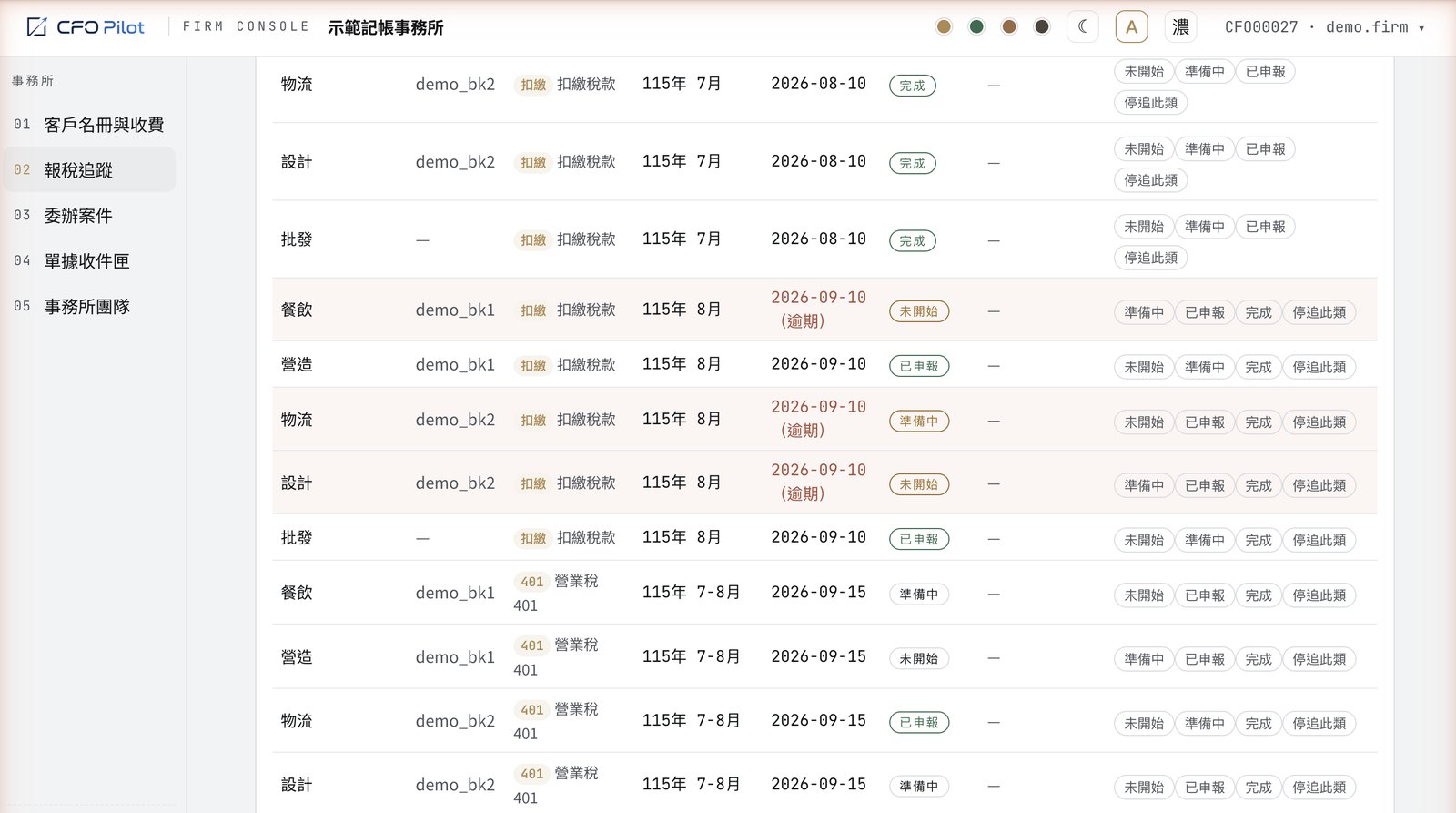
Every filing. At a glance.
Deadlines scheduled automatically. Only overdue items turn red.